Your schoolwork,all .
Assignments, grades and teacher updates from Canvas, sorted into one calm planner. Connect in three clicks.
Free for students. Works with any school that uses Canvas.
Every class you take, in one place
Canvas, finally clear.
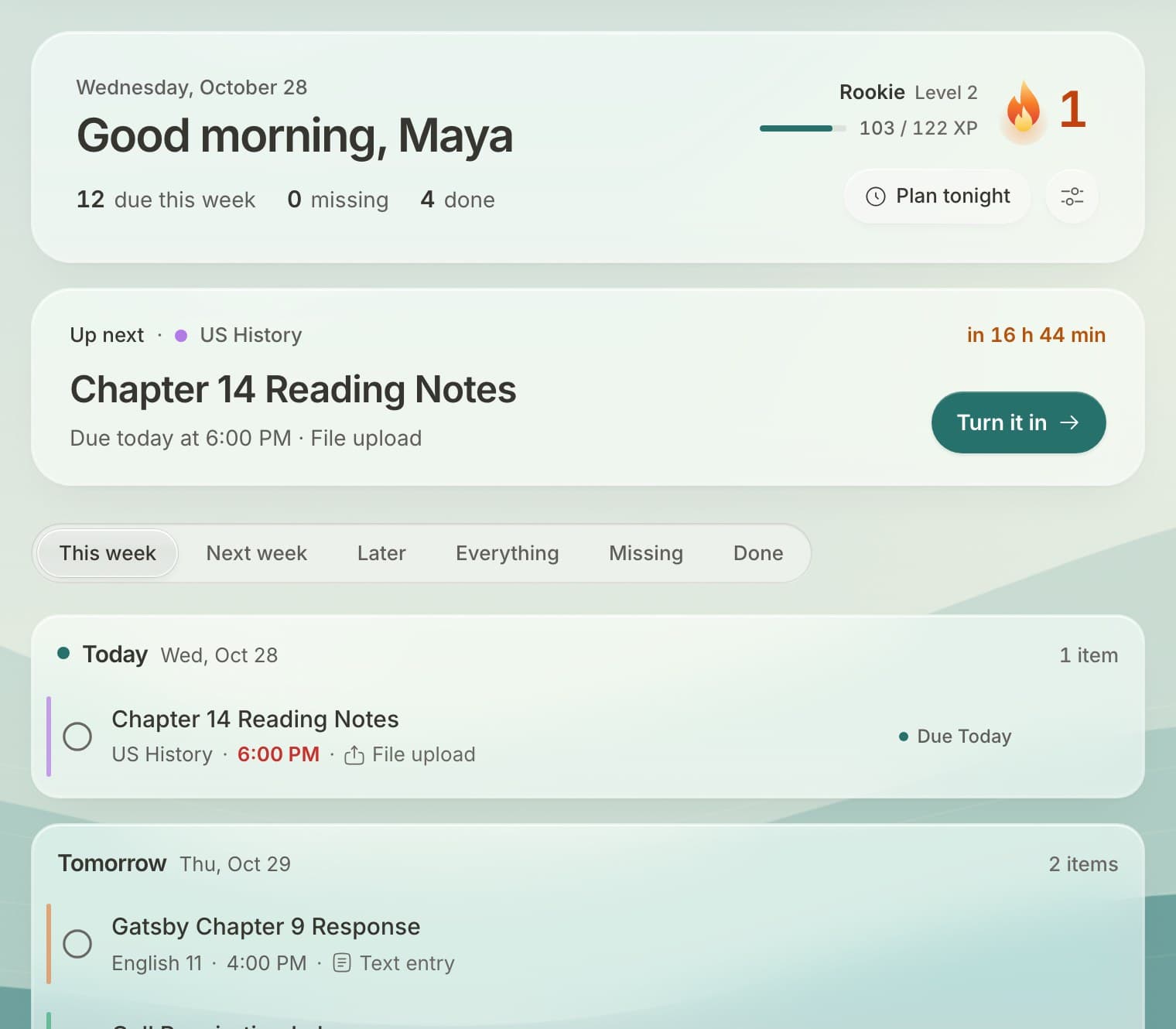
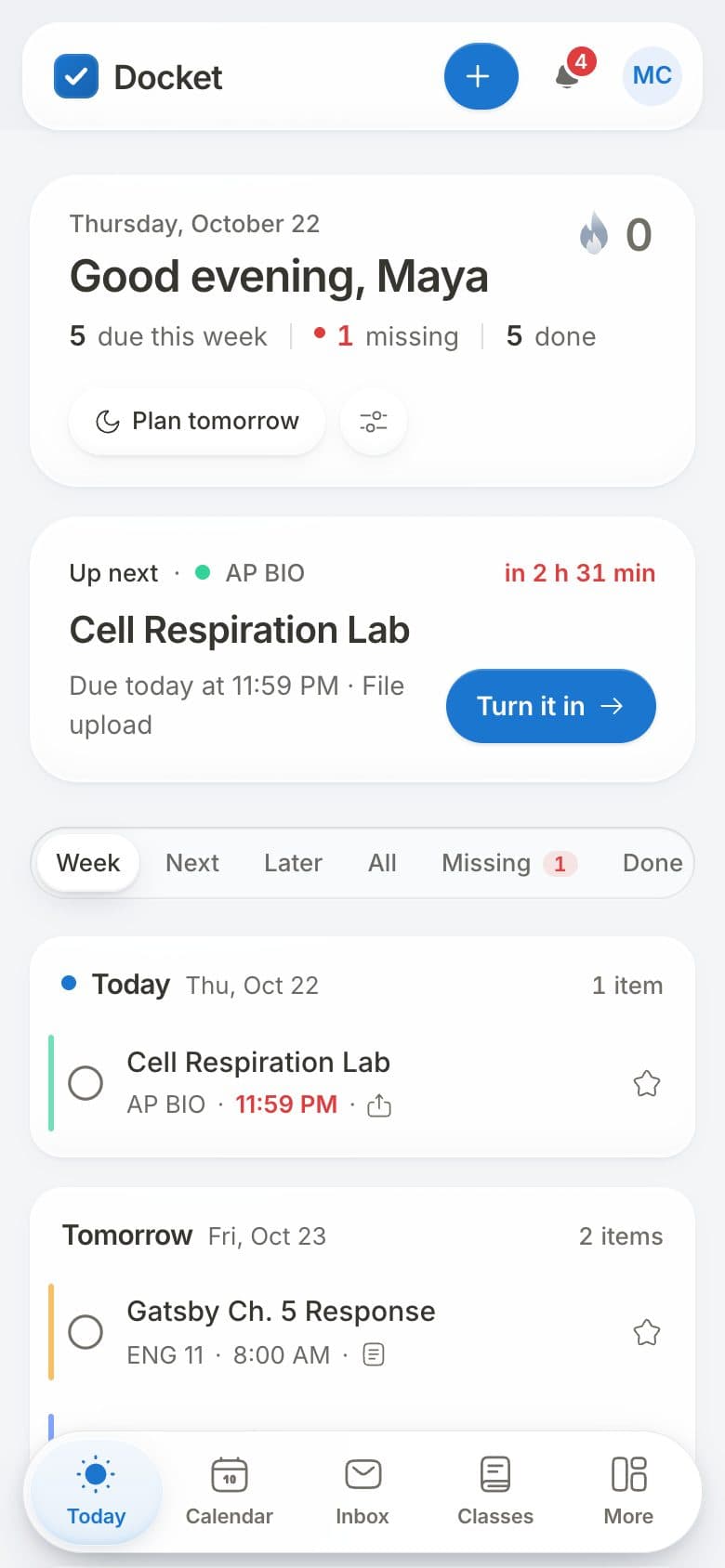
Docket reads every class and lays out your week. Try it: edit a line on the left and watch it sort.
Sorted by when it's due
Every class in one list, grouped by day. Type like Canvas, read like Docket.
- Docket
Today
Chapter 14 notesUS HistoryDue todayTomorrow
Lab 4 write-upAP Bio- Gatsby ch. 9 responseEnglish
Monday
Problem set 3.2Calculus
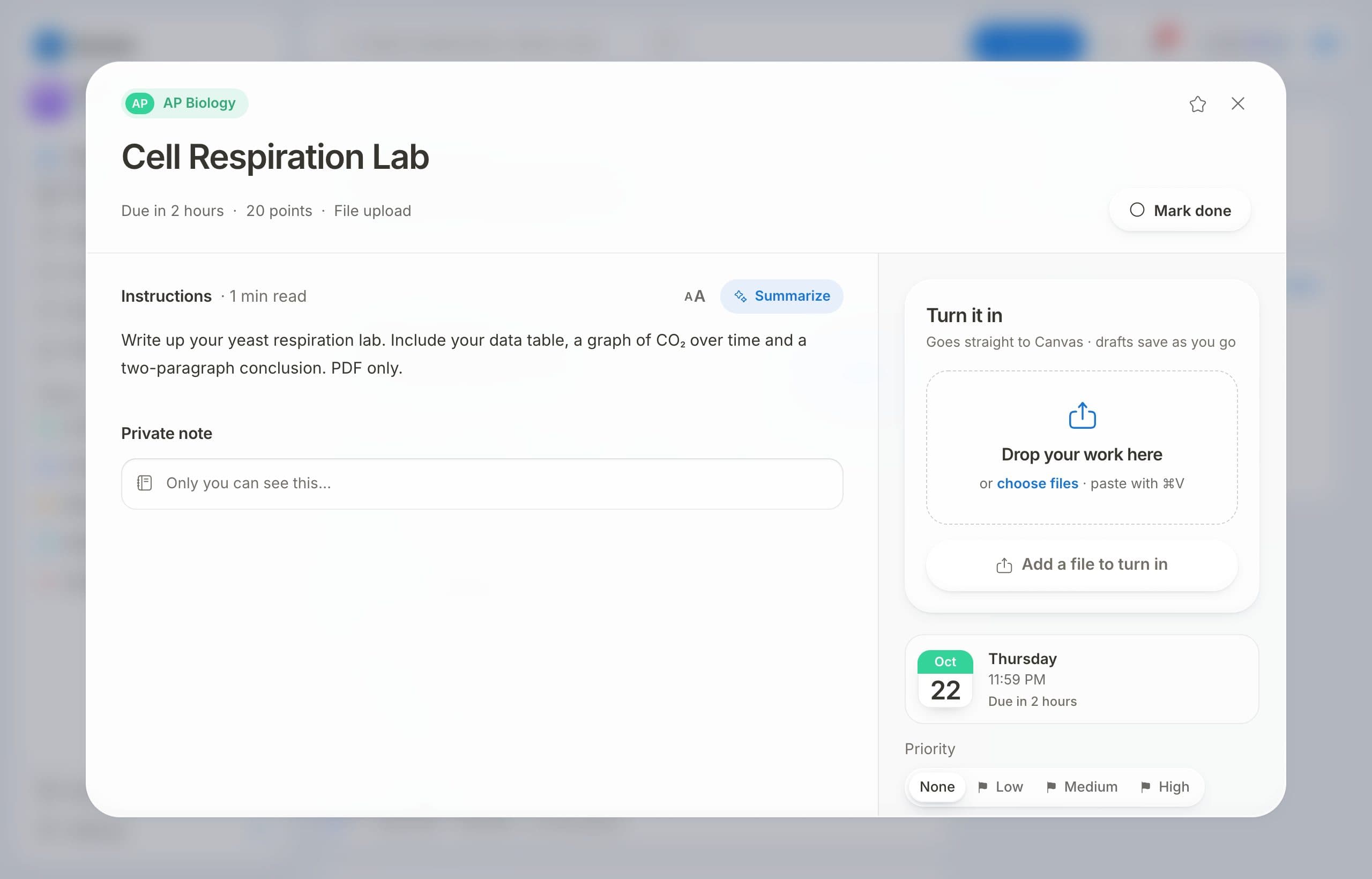
Turn it in from here
Files, text and links go straight to Canvas.
Lab_Report_Final.pdf
Ready to turn in
Star what matters
Starred work waits at the top until it's done.
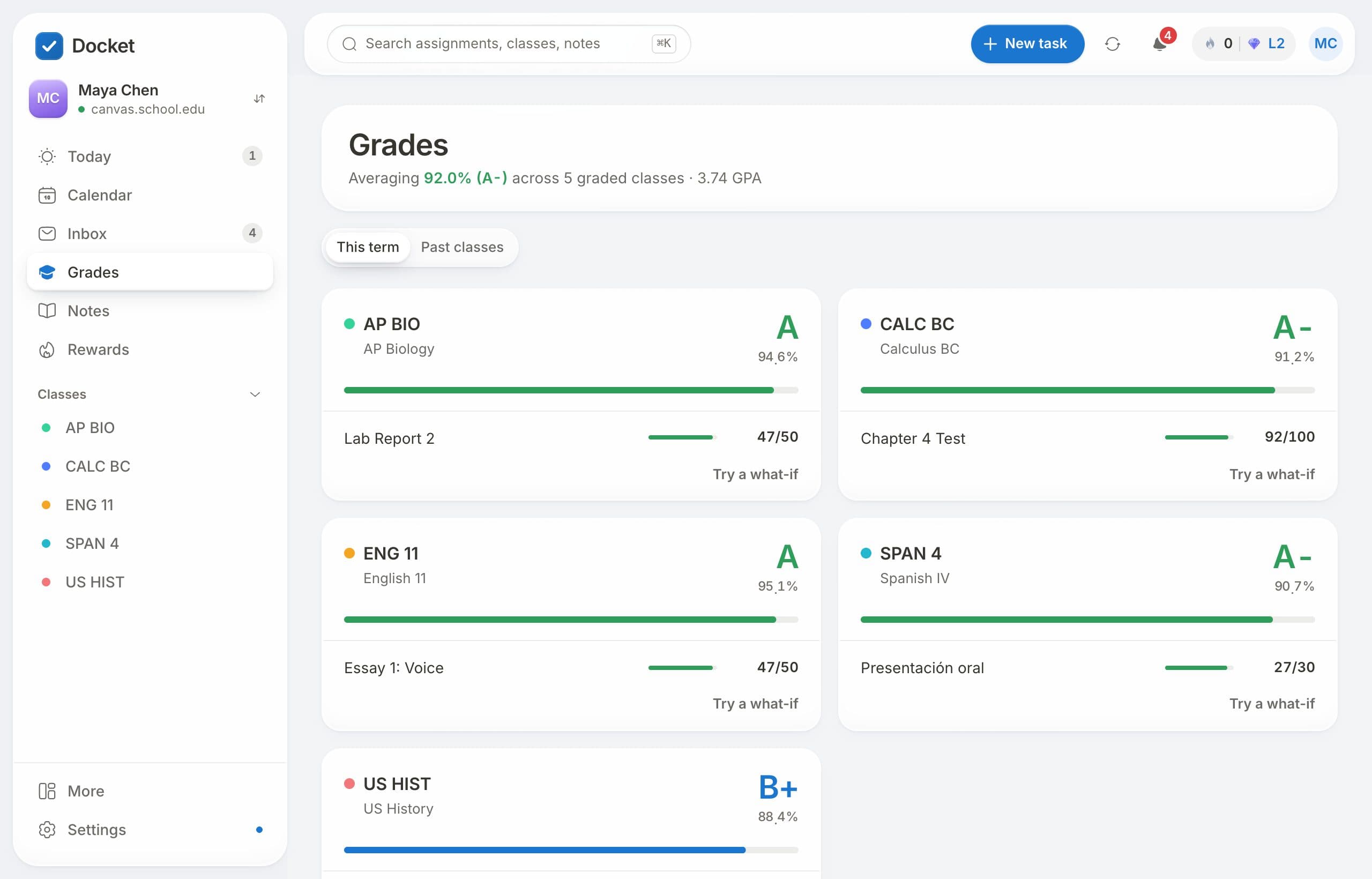
Grades at a glance
Every class's grade, the moment it's posted.
Ask Docket
Plain questions, straight answers about your work.
What's due tomorrow?
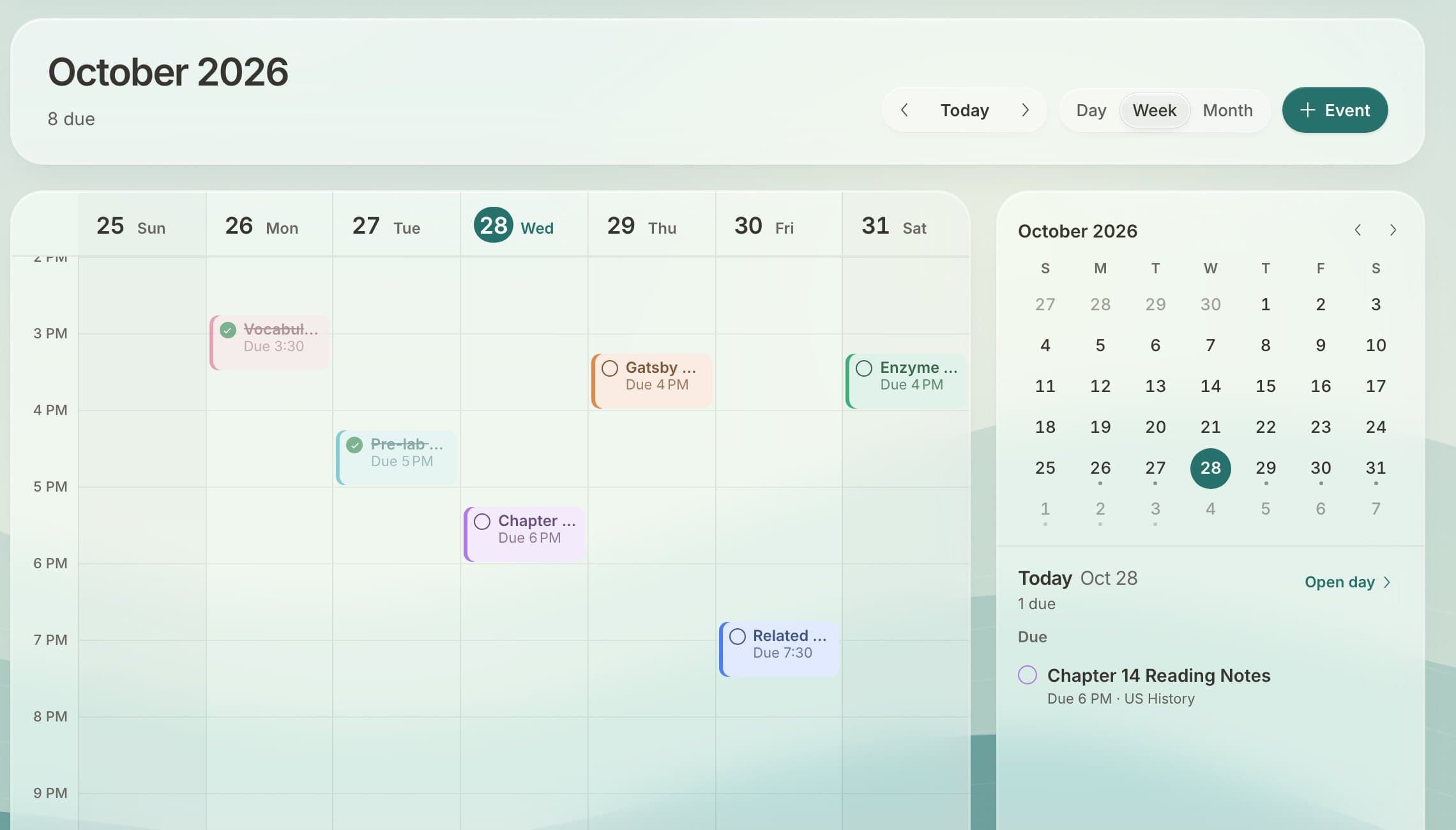
Docket does the busywork. It reads Canvas for you, sorts every class by what's due and tells you what changed, so you can just do the work.
Press ⌘K anywhere.
Jump to any class, assignment, file or page. Or just ask a question.
Find anything with ⌘K
Classes, assignments, files and pages, in one search.
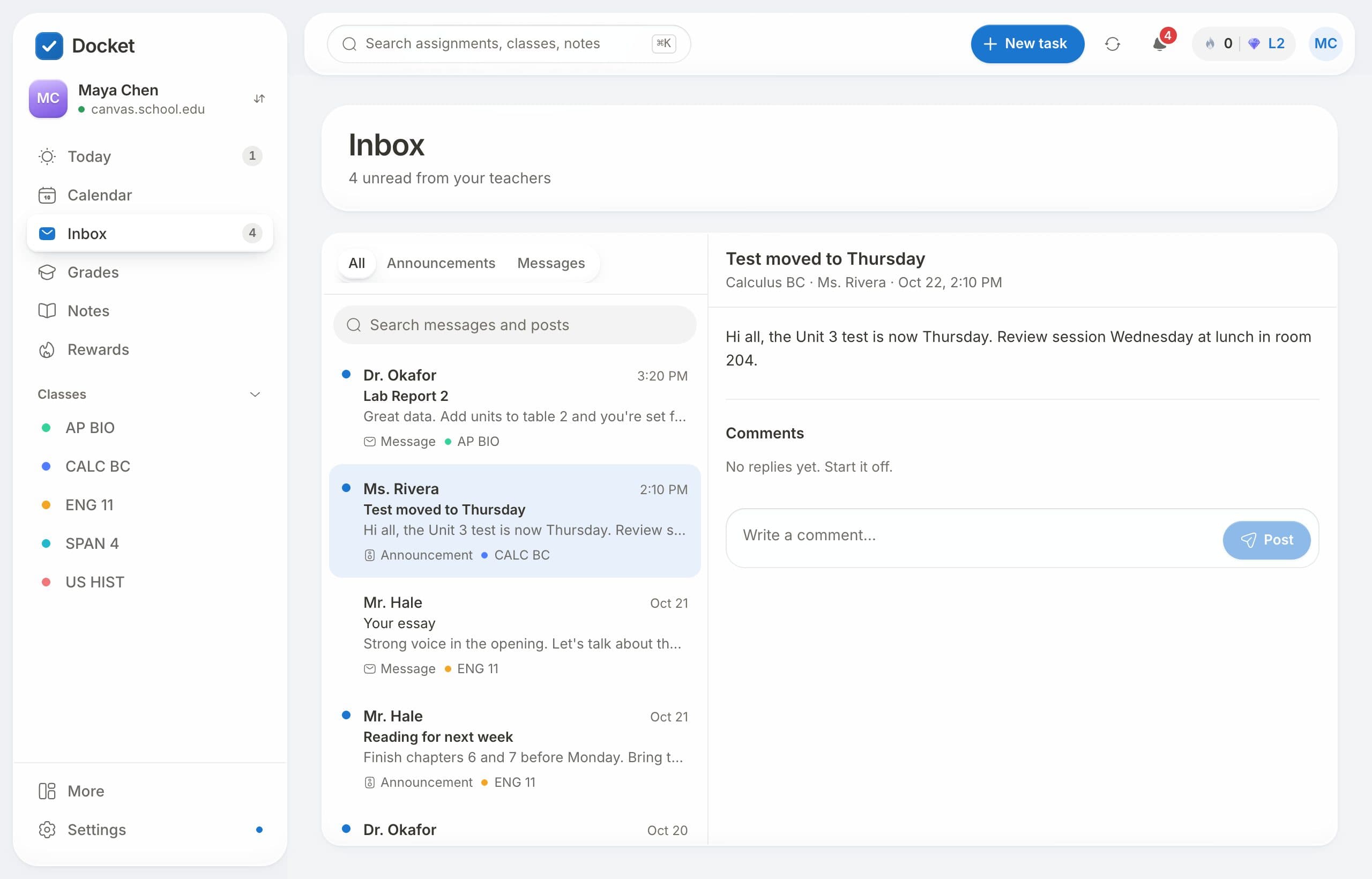
Know what changed
Teacher posts, new grades and moved due dates, as they happen.




Make it yours
Thirty painted scenes behind clear glass. Light or dark.
Connected in three clicks.
No codes to copy, no password to share. Drag one button to your bookmarks bar, open Canvas, click it. Docket does the rest.
On a phone or a locked-down school laptop? A guided setup with video takes about a minute.
- 1Drag the button to your bookmarks bar
- 2Open your Canvas
- 3Click Connect Docket. That's it.
All of Canvas. None of the clutter.
Questions, answered.
Is Docket free?
Yes. There's nothing to pay for.
Does Docket work with my school's Canvas?
Almost certainly. Find your school, then click Connect Docket on your Canvas and Docket connects itself. If your school turns that off, a short guided setup works instead.
Is it safe to connect my Canvas account?
Your Canvas token is encrypted on the server and never sent back to your browser. You can disconnect any time in Settings.
Can I submit assignments from Docket?
Yes, for assignments that accept files, text or a web link. Docket sends your work to Canvas and confirms when it arrives. Some quizzes and external tools still need Canvas.
Does it work on my phone?
Yes. Docket works in any browser, and you can add it to your home screen so it opens like an app.
Will my teachers see anything different?
No. Docket reads your Canvas the way you do. Work you turn in through Docket arrives in Canvas exactly as if you'd used Canvas.
Is Docket made by Instructure?
No. A student made it. It isn't affiliated with Instructure, the company behind Canvas.
Start this week.
Find your school, make an account, click once on Canvas.
Free, and made by a student.