Canvas calendar
Your whole week, on one calendar.
Docket puts every Canvas due date, your own tasks and your other calendars in one place, so you can plan the week instead of piecing it together.
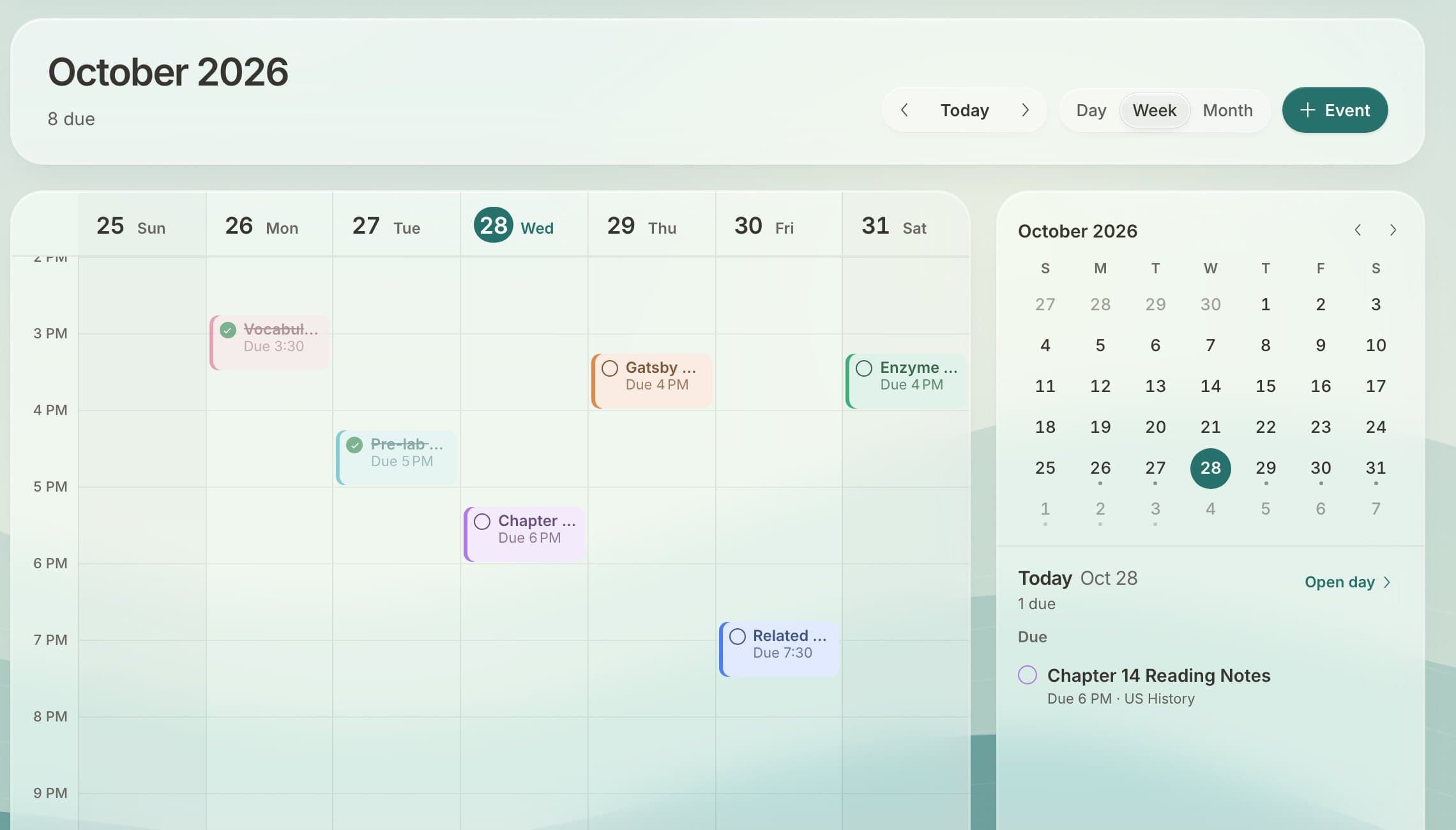
Everything with a date, together
- Canvas due dates from every class, color-coded.
- Your own tasks on the day they're due.
- Other calendars: Google Calendar, Outlook or any calendar link, like your school schedule.
- Day, week and month views, on your phone or computer.
Plan, then do
Open any assignment from the calendar to read the instructions and turn it in. Add your own tasks on the days you'll do them. Check off what's done and the week clears up as you go.
Set it up
- Sign up free at docketplanner.me.
- Connect your school's Canvas.
- Optional: connect Google Calendar or add a calendar link in Settings.
Questions
Does it show all my classes at once?
Yes. Every class's due dates are on one calendar, each in its class color.
Can I see my school schedule or Google Calendar too?
Yes. Connect Google Calendar or add any calendar link, and those events show next to your assignments.
Do my own tasks show up?
Yes. Any task with a due date appears on the calendar, and you can check it off there.
Can I put my Canvas due dates in Google Calendar instead?
Yes. Docket gives you a calendar link you can add to Google, Apple or Outlook Calendar.
Free for every student on Canvas.
Connect your school's Canvas in about a minute. No ads, and your data is never sold.
Get Docket free