MyStudyLife alternative
A student planner you don't have to fill in.
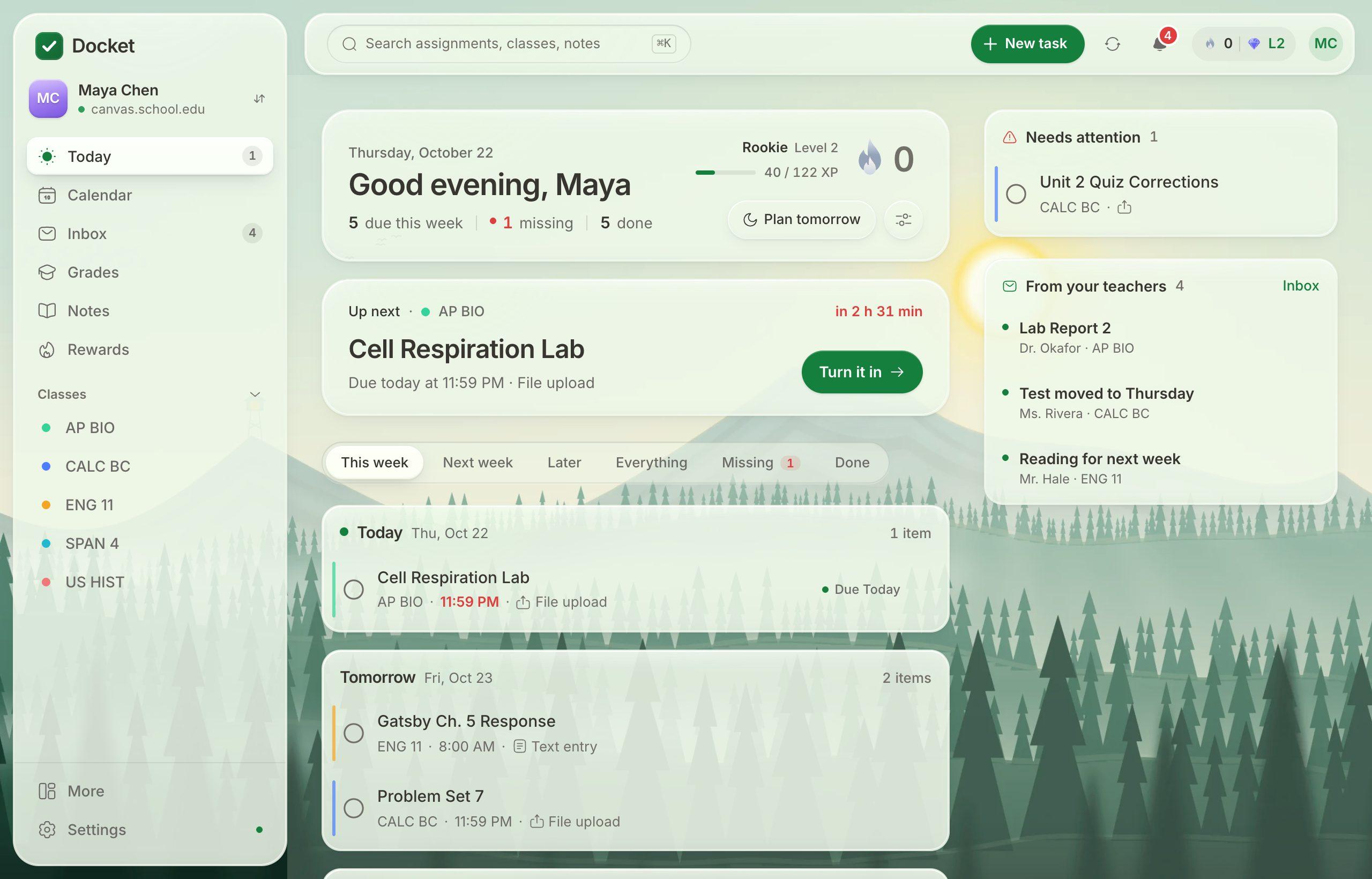
Planners like MyStudyLife, myHomework and Power Planner are great, but you have to type every assignment in yourself. If your school uses Canvas, Docket does that part for you.
Why students switch
The hardest part of any planner is keeping it filled in. Miss a few days and it stops matching what your teachers actually assigned. Docket reads your assignments straight from Canvas, so new work, moved due dates and grades show up on their own.
What you get
- Your week, already filled in: every class's assignments in one list, soonest first.
- Your own tasks too: add study sessions, club deadlines or anything else, and they sit on the same calendar.
- Turn work in: files, text, links and recordings go straight to Canvas.
- Grades and what-ifs: see every class's grade and what a score would do to it.
- Reminders: a heads-up before things are due.
- Make it yours: backgrounds, dark mode, streaks and rewards.
Switching takes a minute
- Sign up free at docketplanner.me.
- Find your school and connect Canvas.
- Your classes and homework appear. Add any of your own tasks you want to keep.
Questions
Do I have to type my homework in?
No. If your school uses Canvas, Docket brings in your classes and assignments for you and keeps them up to date. You can still add your own tasks.
Is Docket free?
Yes. Docket is free for students, with no ads.
What if my school doesn't use Canvas?
Docket is built around Canvas. Without it you can still use the tasks and calendar, but the automatic homework sync needs Canvas.
Does it work on my phone?
Yes. Open docketplanner.me on your phone and add it to your home screen. It opens like an app and can send reminders.
Free for every student on Canvas.
Connect your school's Canvas in about a minute. No ads, and your data is never sold.
Get Docket free