Canvas + Google Calendar
Your Canvas due dates, in Google Calendar.
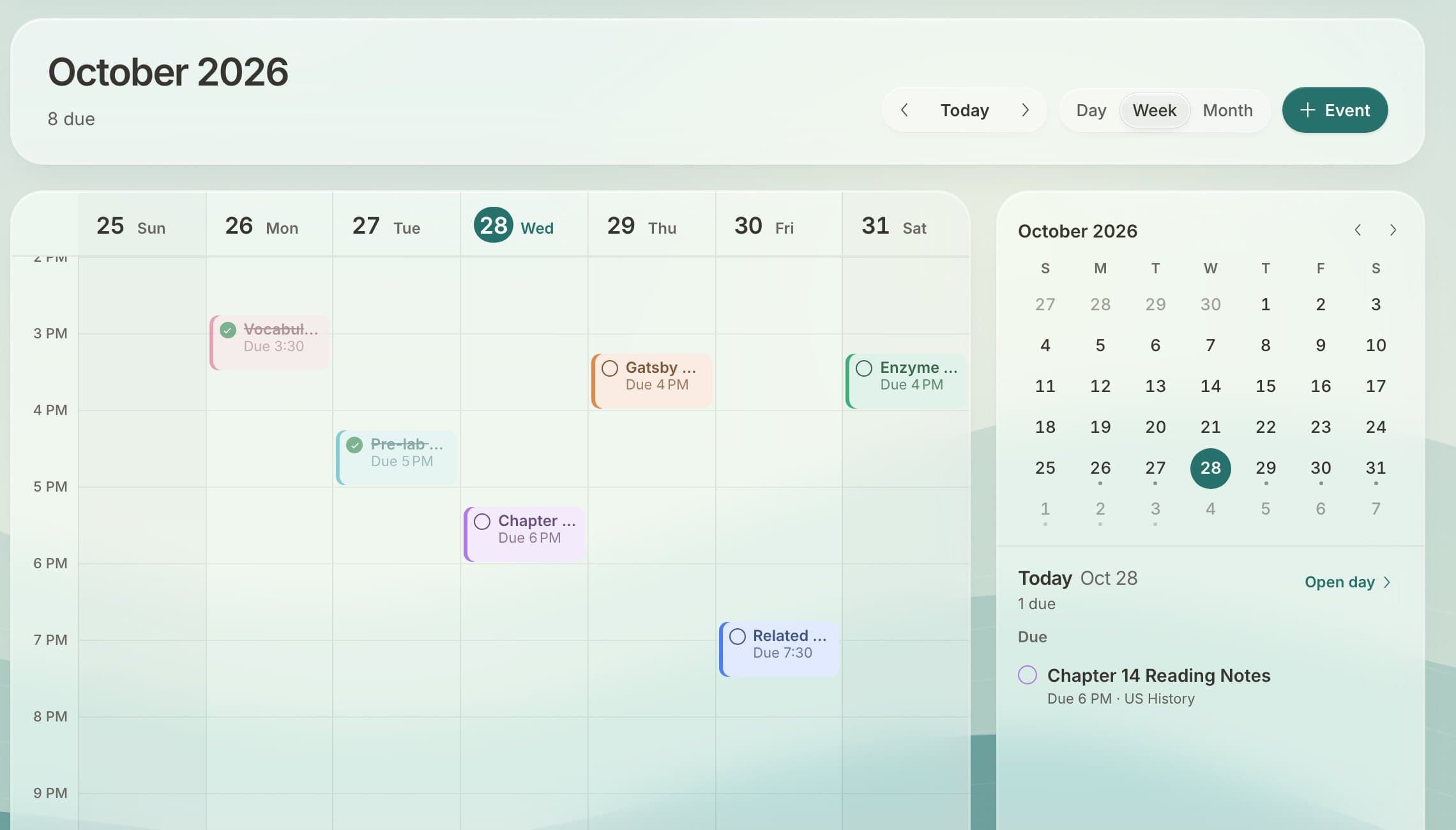
Docket keeps a calendar of every Canvas assignment that you can add to Google Calendar, Apple Calendar or Outlook once. New and moved due dates show up on their own.
Two ways round
- Canvas into your calendar: in Docket, open Settings, copy your calendar link and add it to Google Calendar (Other calendars, From URL). Every due date shows up there and keeps itself up to date.
- Your calendars into Docket: link Google Calendar or any calendar feed (sports, clubs, a school calendar) and see it in Docket next to your assignments and tasks.
Why not just use Canvas's calendar?
Canvas shows one class at a time and doesn't mix in the rest of your life. Docket shows assignments, your own tasks and your other calendars on one week, so you can see when you actually have time.
Set it up in a minute
- Sign up free and connect your school's Canvas.
- In Settings, copy your calendar link.
- In Google Calendar, add it under Other calendars, From URL.
Questions
Does it update when a due date changes?
Yes. Google Calendar checks the link regularly, so new and moved due dates show up on their own.
Does it work with Apple Calendar and Outlook?
Yes. Any calendar app that can subscribe to a calendar link works.
Can I see my Google Calendar inside Docket?
Yes. Connect Google Calendar or add any calendar link in Settings and it shows next to your assignments.
Free for every student on Canvas.
Connect your school's Canvas in about a minute. No ads, and your data is never sold.
Get Docket free